

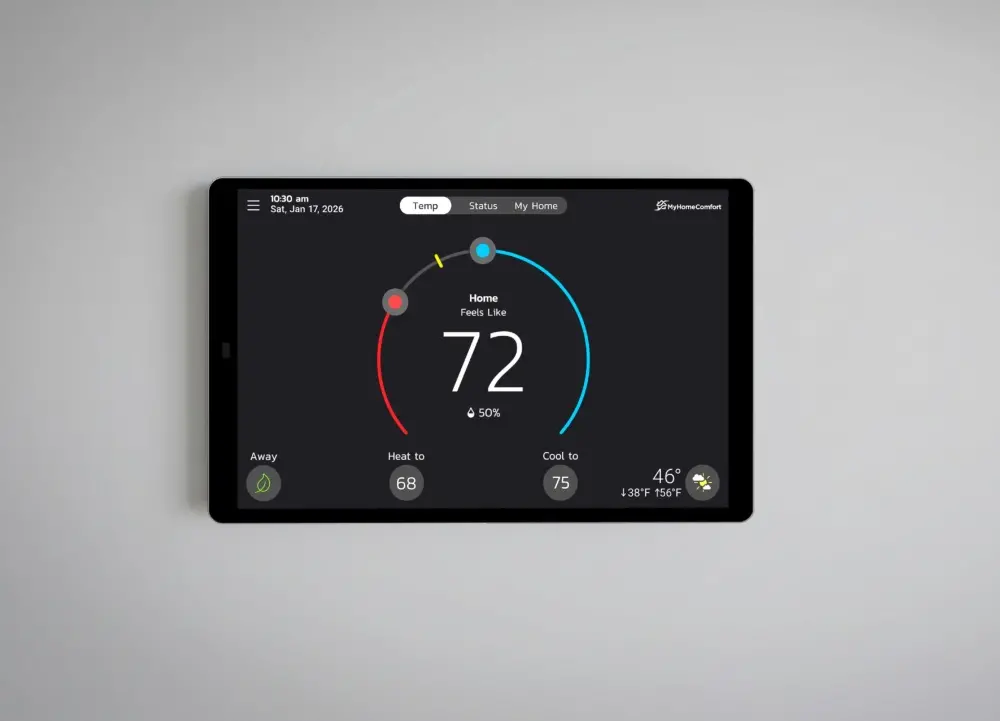
Smarter Control for your Ideal Home Comfort
For easier, smarter control of your Ideal Home Comfort, choose MyHomeComfort™ thermostats. With precise temperature and humidity management, adaptive scheduling, and effortless app-based control, they help your home feel just right—every day, in every season. Professionally installed and optimized, MyHomeComfort delivers comfort you can trust.
Our Products
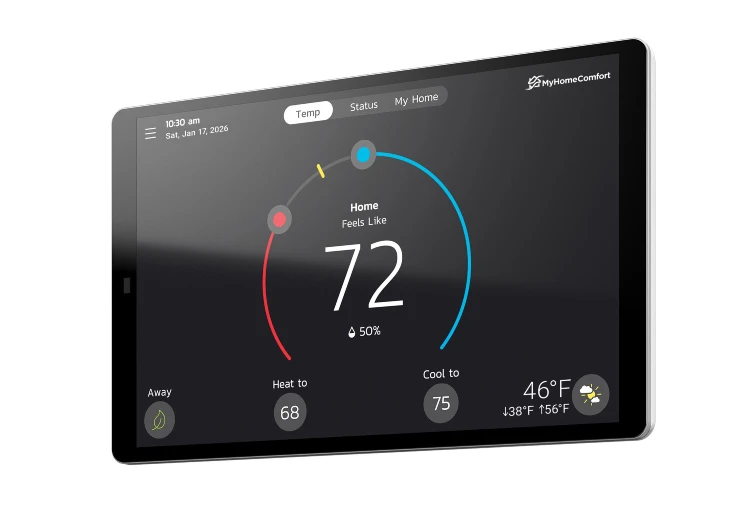
MyHomeComfort CA4 Communicating Thermostat
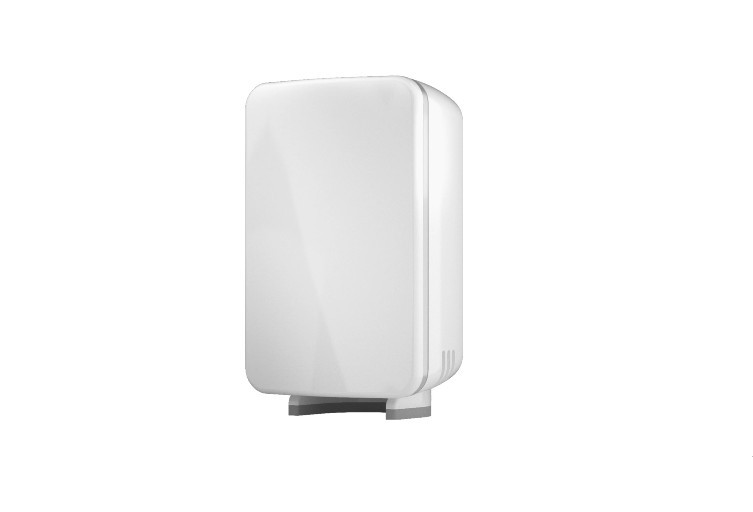
MyHomeComfort
Smart Room Sensor
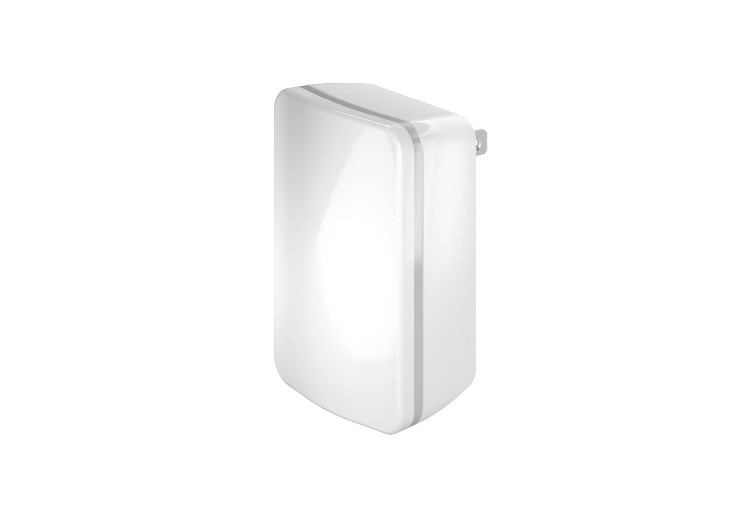
MyHomeComfort
Wireless Extender
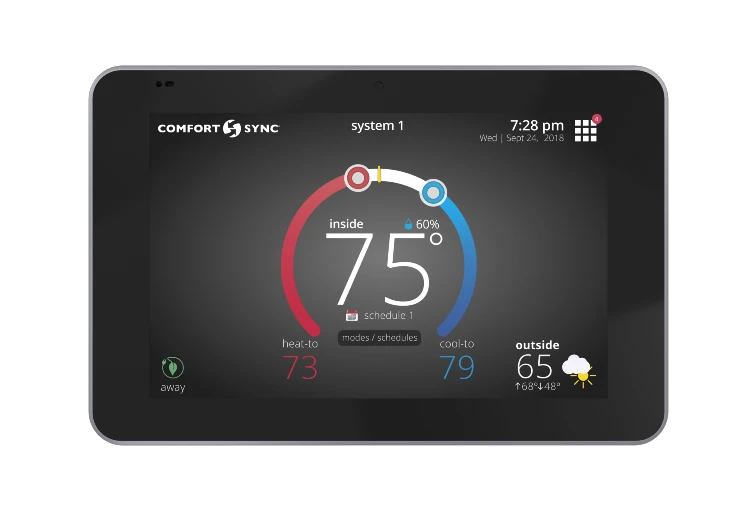
ComfortSync A3 Communicating Thermostat
Comfort Sync A3 Zoning Sensor
Homeowner Resources
Need support?
Contact your installing dealer.
Your thermostat is supported directly by the licensed HVAC dealer who installed your system.
Describe what’s happening.
Follow your dealer’s guidance—they may walk you through a few quick checks or schedule a service visit.
Why contact a dealer?
Dealers have the tools and training to solve issues quickly and safely.
Your dealer will confirm your thermostat and equipment are configured correctly and diagnose issues using professional tools and system data.
They’ll also adjust zoning, humidity, and airflow as needed and handle safe electrical and control work to protect your system and warranty.
Don’t know your installer?
Check your original invoice, thermostat menu, or the service sticker on your equipment.
If you can’t find that information, contact a local licensed HVAC professional.
When reaching out, let them know you have a MyHomeComfort or Comfort Sync thermostat so they can provide the right support.
Important: Thermostat wiring, internal settings, and advanced configuration should not be adjusted by homeowners. Incorrect changes can affect system performance, safety, and warranty coverage.
Dealer Resources
MyHomeComfort Technical Documentation
MyHomeComfort Product Flyer
CA4 Communicating Thermostat Installation and Setup Guide
CA4 Communicating Thermostat Installer User Guide
Smart Room Sensor Installer Quick Start Guide
Smart Room Sensor Installation and Setup Guide
Wireless Extender Installer Quick Start Guide
Wireless Extender Installation and Setup Guide
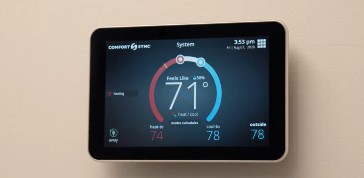
The Comfort Sync A3
Discover how the Comfort Sync A3 Ultra-Smart Thermostat optimizes Pro Series system performance